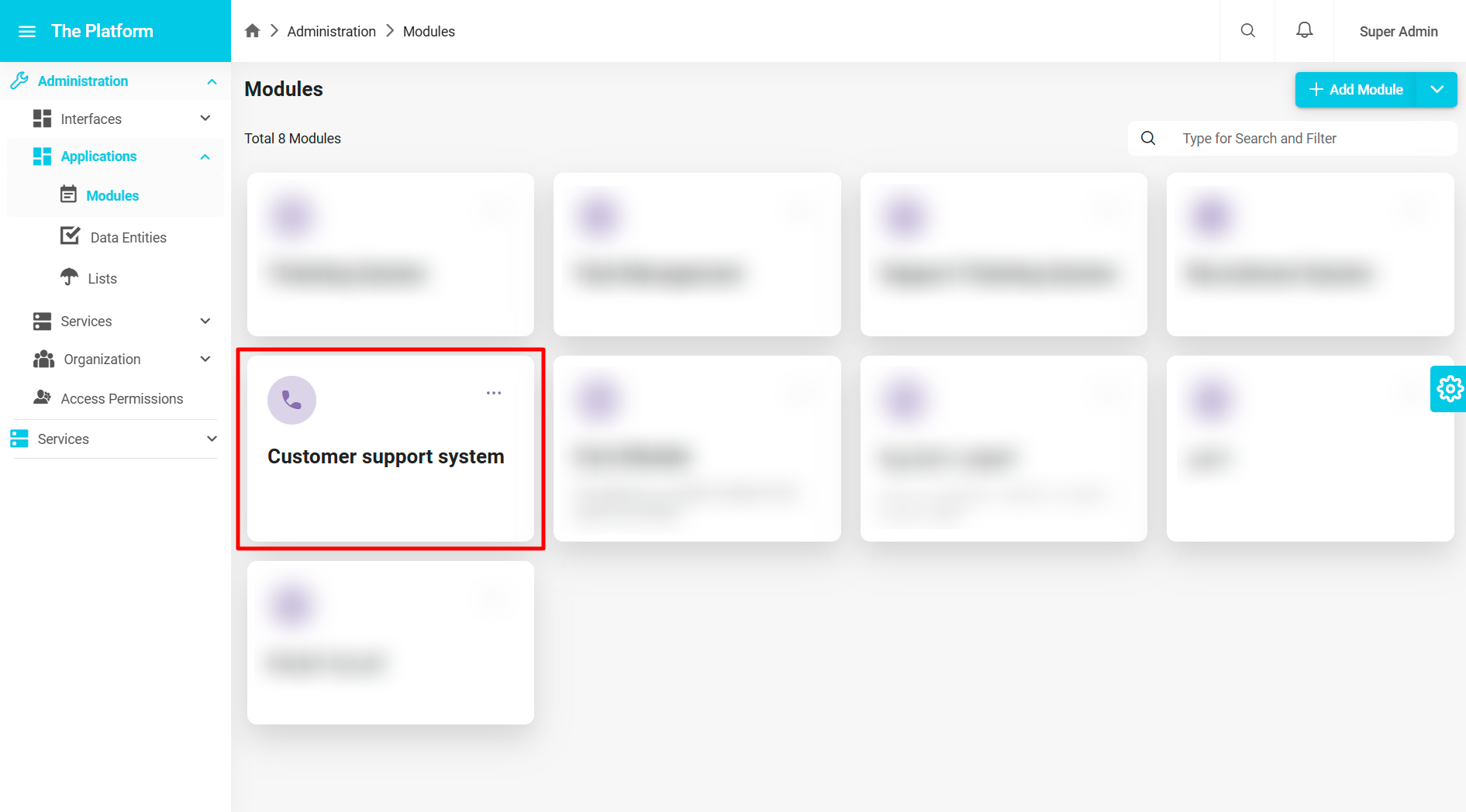
Building a Customer Support Module
To build a customer support system on the platform, you must first create a module within the system that contains all the necessary components and functions. For more information about modules, you can refer to Modules.
The system administrator can create a new module by following these steps:
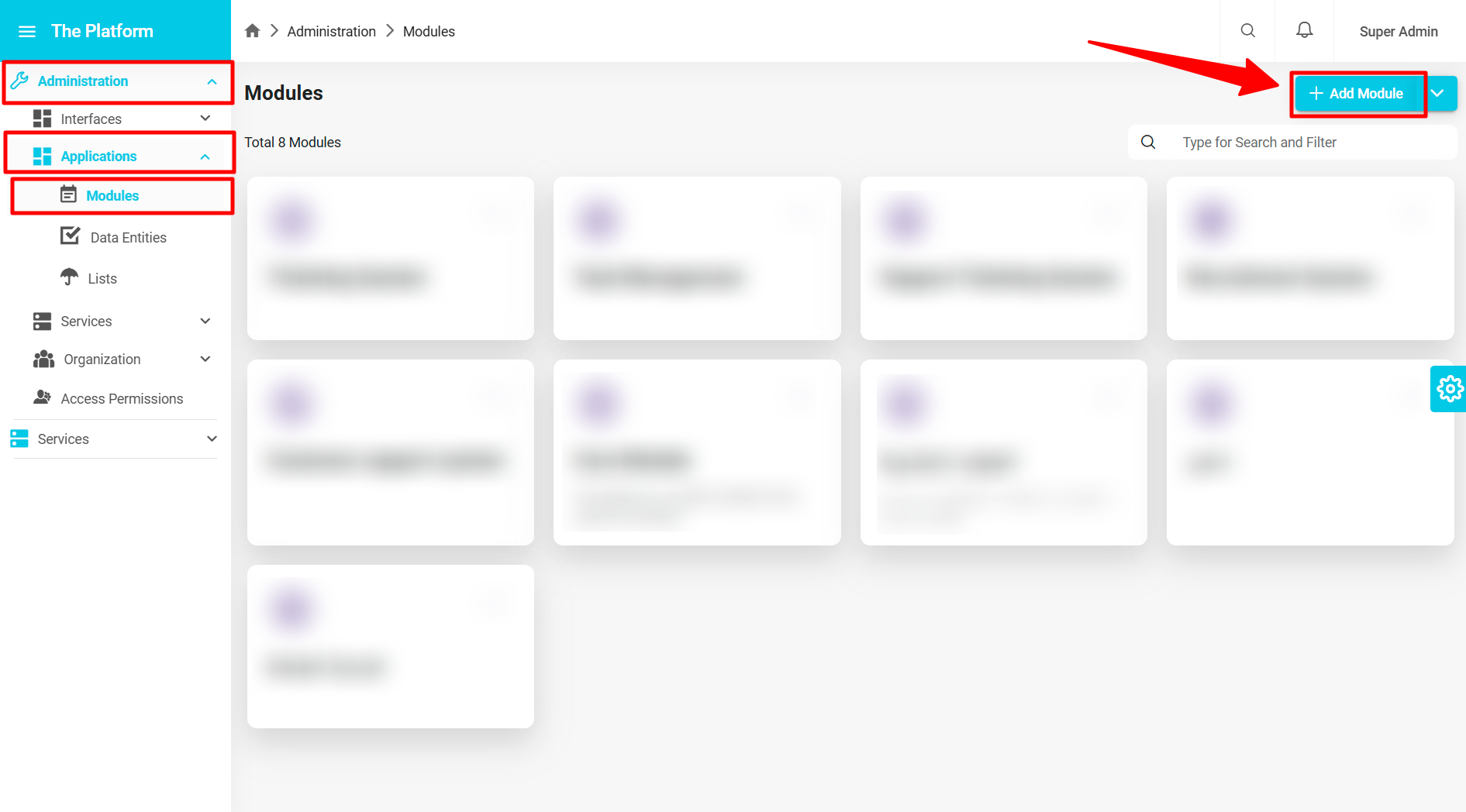
Access the Modules Page:
- Navigate to the Administration section in the sidebar.
- Click on Applications.
- Go to the Modules section.
- The modules page will appear in the system.
Add a New Module:
- Click on the Add New Module button on the modules page.
A window for adding module information will appear.

To add the module to the system, the system administrator must fill in the following data:
- Name (Mandatory): The system administrator must assign a name to the module, "Customer Support System," and enter it in both Arabic and English.
- Model Field (Mandatory): This field is generated automatically once the module name is entered in Arabic or English, but the system administrator can modify this field. It cannot be left empty. For more information about the model field, refer to Model Field.
- Icon (Mandatory): The system administrator must assign an icon for the module; here we use "phone".
- Description (Optional): The system administrator can assign a description to the module if desired.
- Permissions Management (Optional): The system administrator can control the module's permissions as needed. For more information about permissions, refer to Permissions.
- Click the OK button to create the module.